

Need to translate a phrase, check how a word is used, or manage a multilingual project? The right resource depends on the task. A quick machine translation, a bilingual dictionary, a community of professionals, and a translation management platform serve different purposes.
This guide explains what seven Spanish translation tools and platforms are designed to do. Features and free-plan limits can change, so check each provider’s current terms before choosing one. For contracts, customer-facing copy, or content that must sound natural in a specific market, arrange a professional review.
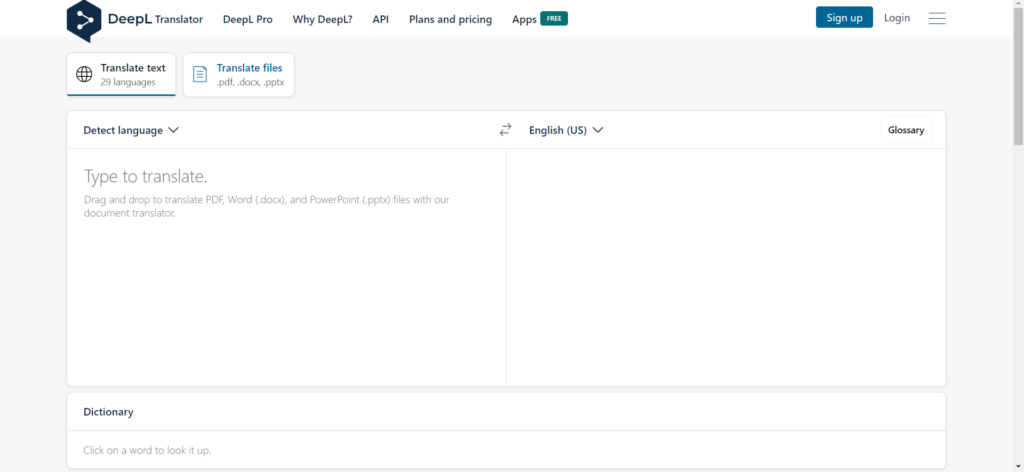
1. DeepL
DeepL Translator translates text and documents and offers apps for desktop and mobile devices. Depending on the platform and plan, additional features include image translation, alternative wording, and terminology controls.
It is useful for drafting a translation or checking how a sentence might read in Spanish. Review the result for meaning, tone, and regional usage before publishing it. Features and usage limits vary by plan, so check DeepL’s current terms rather than relying on a fixed character limit.
2. Linguee
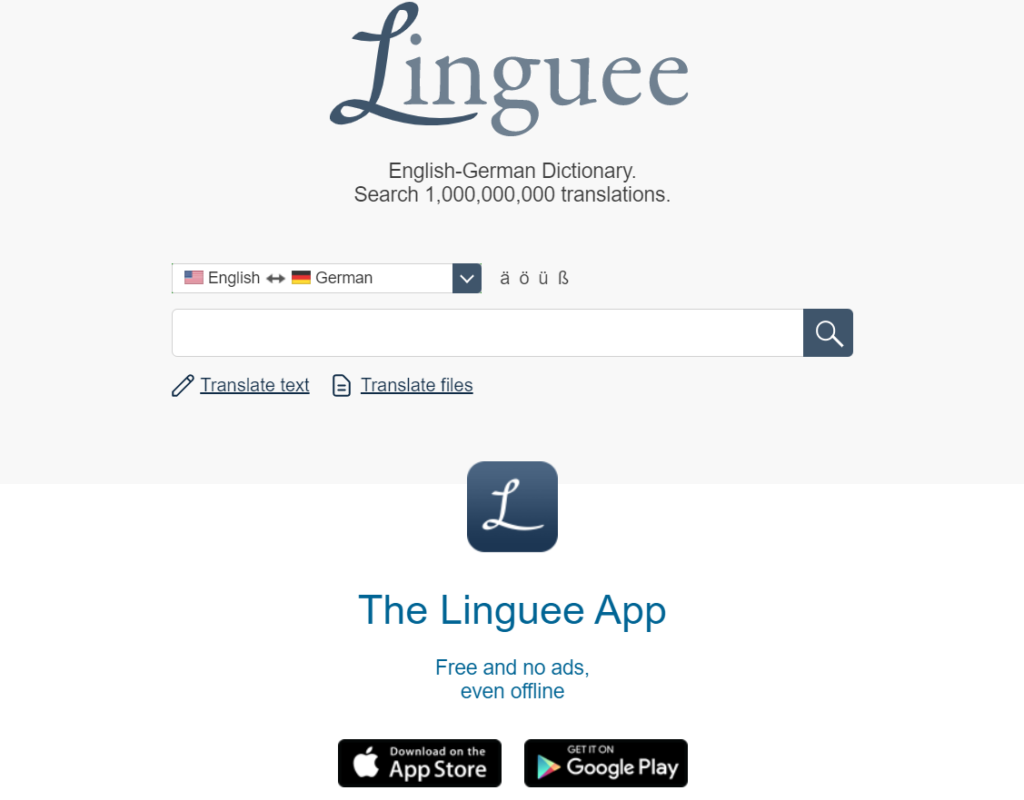
Linguee is a bilingual dictionary with examples showing how words and phrases appear in context. It is useful when a Spanish term has several possible translations and you want to compare their usage.
The examples are references, not a guarantee that a phrase fits your document. Check the subject matter and intended audience before using a suggested expression. For a complete text or document translation, use a tool designed for that task.
3. ProZ
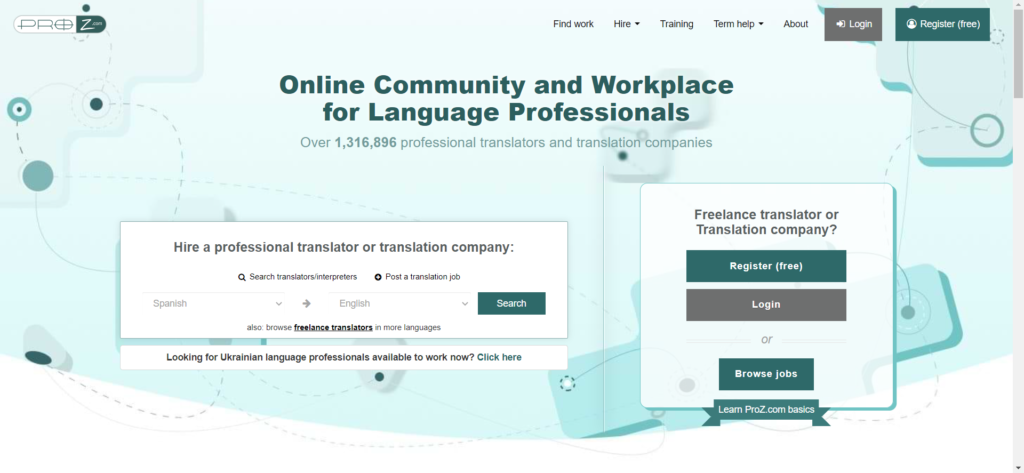
ProZ.com is a community and directory for language professionals. Its terminology resources, including KudoZ discussions, can help you investigate a specialized term. Businesses can also use the platform to find translators and interpreters.
Community suggestions may differ, so review the context and the contributor’s reasoning. ProZ.com is especially relevant when you need human expertise; it does not function like a one-click machine translator.
4. Phrase TMS (formerly Memsource)
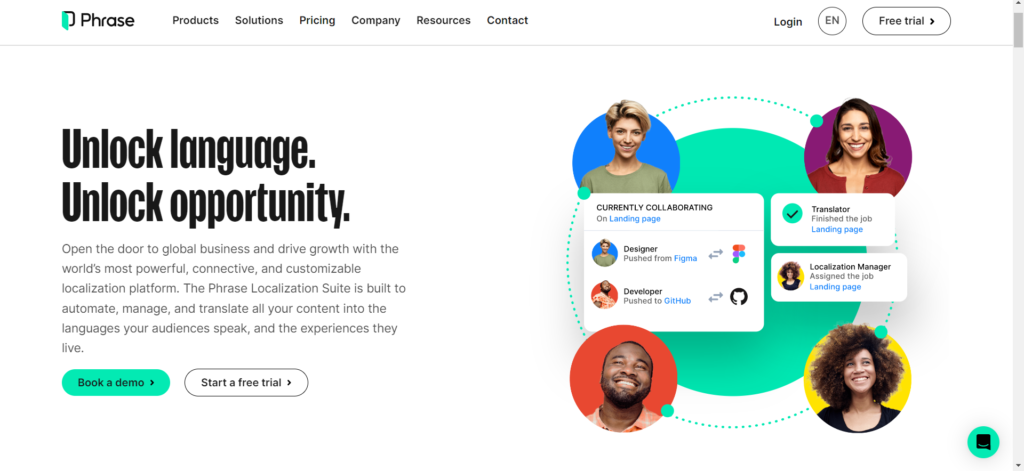
Phrase TMS is a translation management platform for teams handling multilingual content and projects. It supports workflows such as assigning work, managing terminology, using translation memories, and reviewing translated material.
This is a different type of resource from a quick text translator. It is most relevant when an organization needs to coordinate translators, reviewers, files, and recurring localization work. Memsource is its former name; review Phrase’s current plans and features for the latest details.
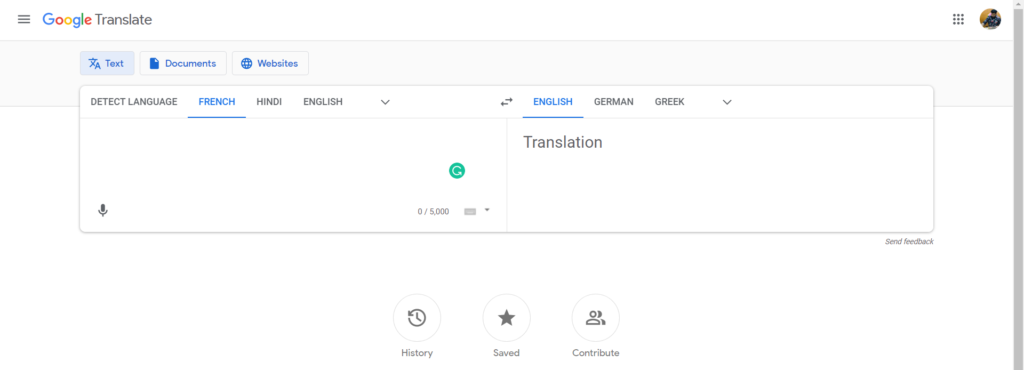
5. Google Translate
Google Translate can help with quick text translations. Depending on the device and feature, it also supports tasks involving speech, images, documents, and websites.
It is practical for understanding the general meaning of a phrase or communicating while traveling. Before using its output in a contract, website, campaign, or customer message, have someone qualified check the terminology, context, and tone.
6. Crowdin
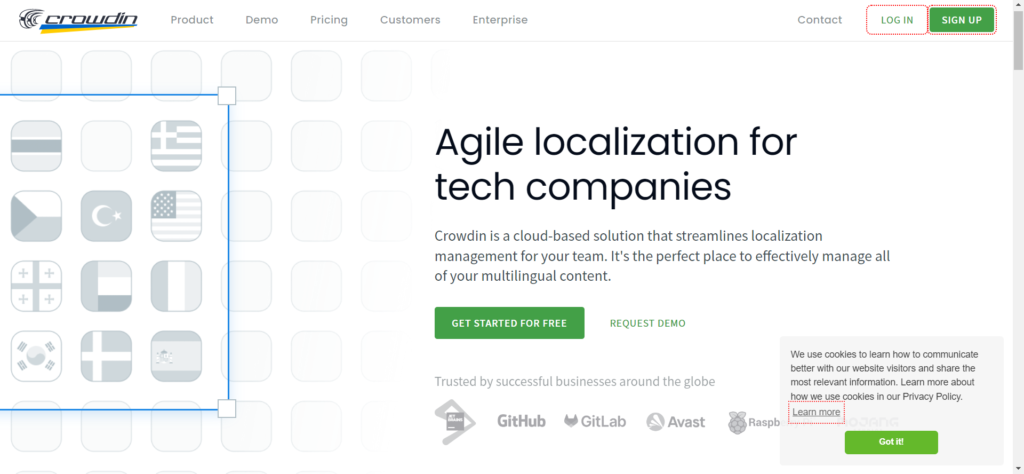
Crowdin is a localization platform for teams managing content across languages. It offers an editor, translation memory, integrations, and options for machine translation suggestions.
It is useful for recurring work such as localizing an app, website, or product content with multiple contributors. Teams can connect their content workflow and review translations within the platform. It serves a different purpose from a dictionary or a quick phrase translator.
7. Trados
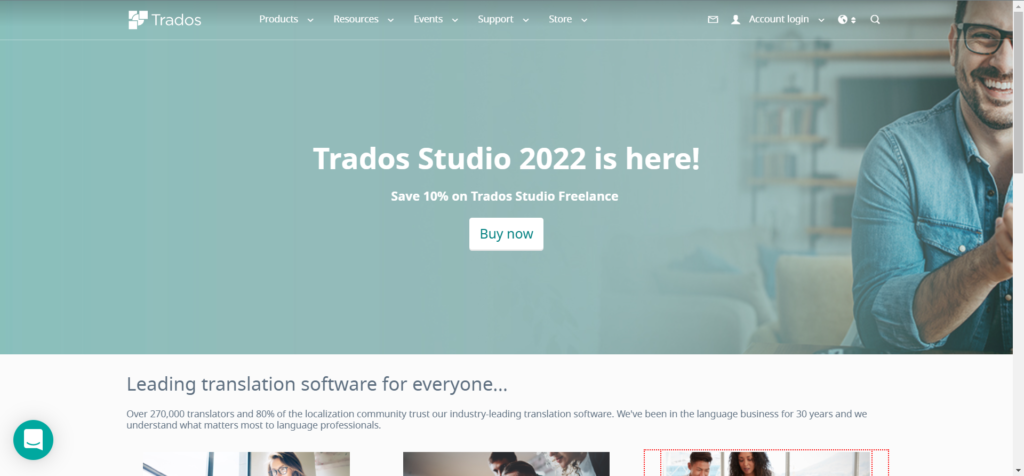
Trados Studio is computer-assisted translation software used by professional translators and reviewers. It combines translation memories, terminology management, and quality checks; users can work locally or connect to cloud collaboration tools.
It helps maintain consistency across longer or recurring projects. The software supports a translator’s work, but the quality of the final text still depends on the person translating and reviewing it.
Conclusion
Choose a resource based on the job: a quick translator for understanding a phrase, Linguee for contextual word choices, ProZ.com for terminology research or finding a professional, and a localization platform for managing repeated work.
For public-facing content, review the result with the audience in mind. A translation that is understandable may still miss local terminology or the tone your business needs. If you need business translation or localization for Mexico, explore ISEB’s translation services.
Frequently Asked Questions About Spanish Translation Tools
Which tool should I use for a quick English-to-Spanish translation?
DeepL and Google Translate are options for a quick draft. Read the result in context before using it, particularly if a phrase has more than one meaning.
Is Linguee a substitute for a document translator?
Linguee is most useful for checking words and expressions in context. For a complete document, choose a document translation workflow and arrange a review appropriate to its purpose.
Do I need a professional translator for business content?
For contracts, technical material, marketing campaigns, and customer-facing pages, a professional review can help check terminology, meaning, and tone. The level of review depends on the document and how it will be used.
How do I adapt a translation for customers in Mexico?
Identify the audience, terminology, and preferred tone before translating. Review the final copy for expressions that sound natural in Mexico and for details such as product names, units, and calls to action.